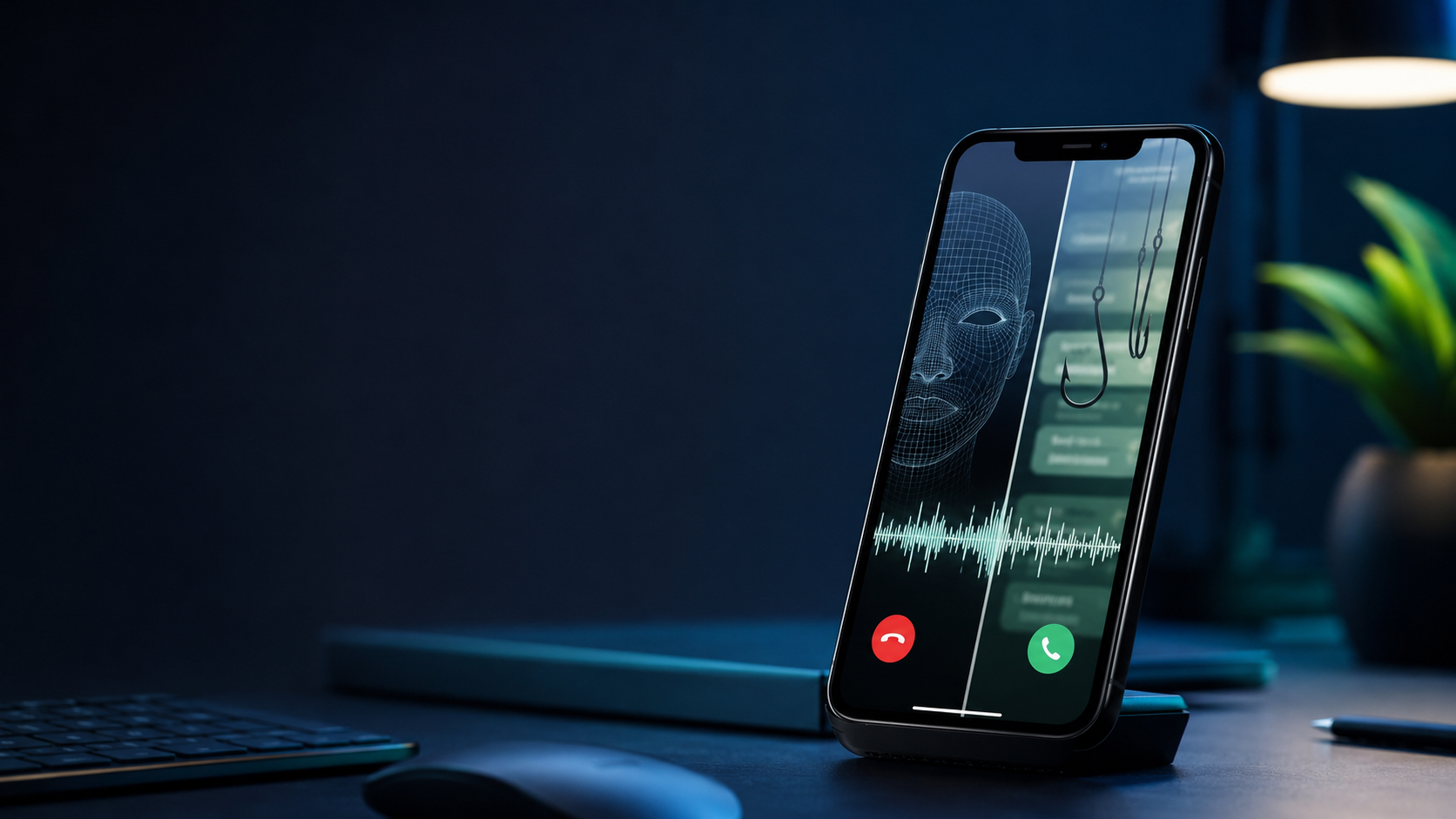
A familiar voice calls in a panic. A manager appears on a video meeting and requests an urgent transfer. A polished email from a trusted company asks you to “verify” your account.
Each situation feels convincing—and each can now be manufactured or improved with artificial intelligence.
AI did not invent fraud. What it changed is the speed, scale and realism of impersonation. Criminals can produce natural messages, imitate voices, manipulate video and personalize phishing attempts using information shared online.
The safest response is not to become suspicious of everything. It is to build a simple verification routine that works even when a message feels urgent.
This guide explains the most common AI-assisted scams, the warning signs that still matter and the exact steps to take before sending money, sharing a verification code or clicking a link.
What Is an AI Scam?
An AI scam is an ordinary fraud scheme that uses artificial intelligence to make the approach faster, more personalized or more believable.
The underlying goal is usually the same: convince someone to send money, disclose account credentials, install malicious software or reveal sensitive information.
AI may be used to:
- Clone someone’s voice from a short audio sample.
- Create or manipulate video to impersonate a real person.
- Write convincing phishing emails in multiple languages.
- Generate fake profile pictures or customer-support identities.
- Personalize a story using information from social media or data breaches.
- Produce fake documents, invoices or payment requests.
The Federal Trade Commission warns that scammers may use short audio clips available online to imitate a relative’s voice. The Cybersecurity and Infrastructure Security Agency also advises treating urgent requests for money, information or link clicks as possible phishing attempts—even when they appear to come from a familiar organization.
Five AI Scam Types You Should Recognize
1. Voice-Cloning Emergency Calls
The caller sounds like your child, partner, parent, friend or colleague. They claim to be injured, detained, stranded or in immediate financial trouble.
A second person may join the call pretending to be a lawyer, police officer, doctor or supervisor.
The voice may sound convincing, but the pressure is the real warning sign. The caller wants you to act before independently contacting the person they claim to be.
If this happens, end the call and contact your family member or colleague using a phone number already saved in your contacts.
2. Deepfake Video Impersonation
A manipulated video can make it appear that an executive, celebrity, public figure or family member is speaking.
Some scams use short video calls in which the fake person avoids natural conversation, repeats prepared statements or quickly directs the victim toward a payment or login request.
Do not rely only on visual defects to identify a deepfake. The technology is improving, video compression can hide imperfections and a poor internet connection may make genuine footage look artificial.
Independent verification is more reliable than trying to detect unusual pixels, facial movements or audio delays.
3. AI-Written Phishing Emails and Messages
Older phishing emails were often easy to recognize because of poor grammar, spelling mistakes or awkward wording. AI can now remove many of those warning signs.
A modern phishing message may be professional, correctly formatted and personalized around your job, recent purchase or organization.
Check the request, sender address and destination—not just the writing quality.
Be suspicious if the message:
- Pressures you to act immediately.
- Requests a password or authentication code.
- Includes an unexpected attachment.
- Directs you to a login page through a link.
- Claims your account will be suspended.
- Requests payment to a new bank account.
- Uses a sender address that is slightly different from the official domain.
Whenever possible, open the organization’s official app or type its website address manually instead of using the supplied link.
4. Fake Customer Support and Account Recovery
Fraudsters create convincing customer-support profiles, sponsored search results and social-media replies.
They may claim that your account has been compromised and ask you to provide a password, verification code, cryptocurrency payment or remote access to your computer.
A legitimate support representative should never need your password or a one-time authentication code.
If someone contacts you unexpectedly, end the conversation and reach the company through its official application or website.
5. Investment and Romance Scams Using Synthetic Identities
AI-generated pictures, translated conversations and scripted video calls can help criminals maintain multiple fake identities.
The relationship may develop slowly before the person introduces an emergency expense, guaranteed investment or exclusive financial opportunity.
Warning signs include:
- Avoiding in-person meetings or natural live video conversations.
- Moving the conversation away from the original platform.
- Promising guaranteed or unusually consistent returns.
- Asking for cryptocurrency or transfers to unfamiliar accounts.
- Creating repeated emergencies.
- Asking you to keep the relationship or investment secret.
Never invest based only on the recommendation of someone you met online.
10 Warning Signs That Matter More Than Perfect Grammar
1. Urgency
You are told to act immediately or something terrible will happen.
2. Secrecy
The person tells you not to contact your family, colleagues, bank or authorities.
3. Unusual Payment Methods
The request involves gift cards, cryptocurrency, wire transfers or payment to a new account.
4. Authentication Codes
Someone asks you to read out a code that was sent to your phone.
5. New Contact Details
A familiar person suddenly contacts you from an unexpected number, email address or social-media account.
6. Channel Switching
You are pushed from email to a private messaging application or unfamiliar video platform.
7. Pressure to Use a Link
The message insists that you sign in through its link instead of using the official application.
8. Emotional Manipulation
Fear, affection, authority, embarrassment or greed is used to stop you from thinking carefully.
9. Resistance to Verification
The person becomes angry or evasive when you suggest calling back through a known number.
10. A Request That Breaks Normal Procedure
A manager, bank, supplier or relative suddenly asks you to bypass an established process.
The 60-Second Verification Method
When a suspicious request arrives, use this sequence before doing anything irreversible.
Pause
Do not click, transfer money, install software or share a code while you are emotionally activated.
A legitimate emergency can survive one minute of verification.
Disconnect
End the call or close the message.
Do not use the phone number, email address or link provided by the suspicious person.
Verify Independently
Call the person using a number already saved in your contacts.
For a business, use its official application, a number printed on your bank card or a website address you type yourself.
Ask Something Private
Families and small teams can agree on a private verification question or code word that is never posted online.
Avoid questions whose answers can be found on social media, such as birthdays, school names or pet names.
Get a Second Opinion
Tell a trusted person what happened before sending money.
Scammers often demand secrecy because another person can recognize the manipulation and interrupt the scam.
What to Do If You Clicked a Link or Sent Money
Move quickly, but do not panic.
- Contact your bank, card provider or payment service immediately.
- Ask whether the transaction can be stopped or reversed.
- Change the affected password using a clean device.
- Do not reuse the new password on other accounts.
- Enable multi-factor authentication.
- Sign out of other active sessions.
- Review the account’s recovery email and phone number.
- Contact the person or company being impersonated.
- Save screenshots, phone numbers, payment records and message headers.
- Report the incident to the relevant platform and your national cybercrime authority.
- If you installed software at someone’s request, disconnect the device from the internet and seek professional security assistance.
Be careful of a second scam. Fraud victims are sometimes contacted by fake “recovery agents” who promise to retrieve the lost money for an upfront fee.
How Families Can Prepare
Prevention works best when it is planned before an emergency.
Families should:
- Create a private family code word.
- Agree that urgent payment requests must be verified through another channel.
- Limit public access to voice clips and personal information.
- Avoid publishing detailed travel plans.
- Use unique passwords for important accounts.
- Enable multi-factor authentication.
- Teach older relatives about voice-cloning scams.
- Discuss one realistic scam example together.
The purpose is not to create fear. It is to make verification a normal family habit.
How Businesses Can Reduce AI Scam Risk
Businesses should not depend on email or video appearance alone when approving payments.
Useful controls include:
- Requiring two approvals for unusual payments.
- Confirming changes to bank details by phone using a known number.
- Preventing employees from approving payments from email alone.
- Using code words for sensitive internal requests.
- Training employees to recognize phishing and impersonation.
- Limiting publicly available staff information.
- Protecting email accounts with multi-factor authentication.
- Keeping operating systems, browsers and plugins updated.
- Reviewing financial permissions regularly.
Every employee should be allowed to pause an unusual request without being punished for causing a short delay.
Frequently Asked Questions
Can Scammers Clone a Voice From a Short Recording?
Yes. Criminals may use audio available online to imitate a relative, colleague or executive.
The amount and quality of audio required varies depending on the technology, but voice alone should no longer be treated as reliable identity verification.
How Can I Tell Whether a Video Is a Deepfake?
Visual clues can sometimes help, but they are not reliable enough on their own.
The safest method is to contact the person through a known channel and verify the request independently.
Do Spelling Mistakes Still Identify Phishing?
Sometimes, but correct grammar does not make a message legitimate.
Check the sender address, destination URL, requested action and payment method.
Should I Answer a Suspicious Caller’s Questions?
No. Avoid confirming personal information.
End the call and contact the person or organization using trusted contact details.
What Is the Best Defense Against AI Impersonation?
Independent verification.
Disconnect and contact the supposed sender through a phone number, application or website that you already trust.
The Bottom Line
AI makes impersonation more convincing, but it does not remove the scammer’s need to create urgency, isolate the target and interrupt normal verification.
You do not need to become a deepfake expert.
Remember three actions:
Pause. Disconnect. Verify independently.
That simple habit can defeat many sophisticated-looking scams.
Sources and Further Reading
- Federal Trade Commission: AI and family emergency scams
- Federal Trade Commission: Harmful voice cloning
- CISA: Recognize and report phishing
- Google Cloud and Mandiant: M-Trends 2026
Last reviewed: July 22, 2026. This article provides general safety information and is not legal or financial advice.
Meta Description:
Learn how AI scams use voice cloning, deepfakes and phishing—and follow a practical checklist to verify suspicious calls, messages and videos.
Slug:
ai-scams-voice-cloning-deepfakes-phishing
Category: Technology
Tags: AI Scams, Voice Cloning, Deepfakes, Phishing, Cybersecurity, Online Safety